

Latest Version
AI Photo Editor Lab
Media
Windows
Free
9nt58vcvt4cc
Report a Problem
More About Video Converter - PRO
The Simple Remedy for Video Format Incompatibility
Have you ever tried to play a video on your computer only to be met with an error message stating the format isn't supported? It is a frustratingly common hurdle, especially when you need to quickly edit, archive, or share footage. The Video Converter - PRO video conversion utility solves this exact issue by transforming your video files into universally compatible formats without any technical headaches.
Designed by AI Photo Editor Lab specifically for Windows users, this desktop tool bridges the gap between raw footage and seamless playback. Whether you need to import clips into editing software or compress heavy files for email, it handles the heavy lifting in the background.
Key Features of the Video Converter - PRO Video Conversion Tool
This software is built around efficiency and simplicity. Here is what makes the application stand out for daily media management:
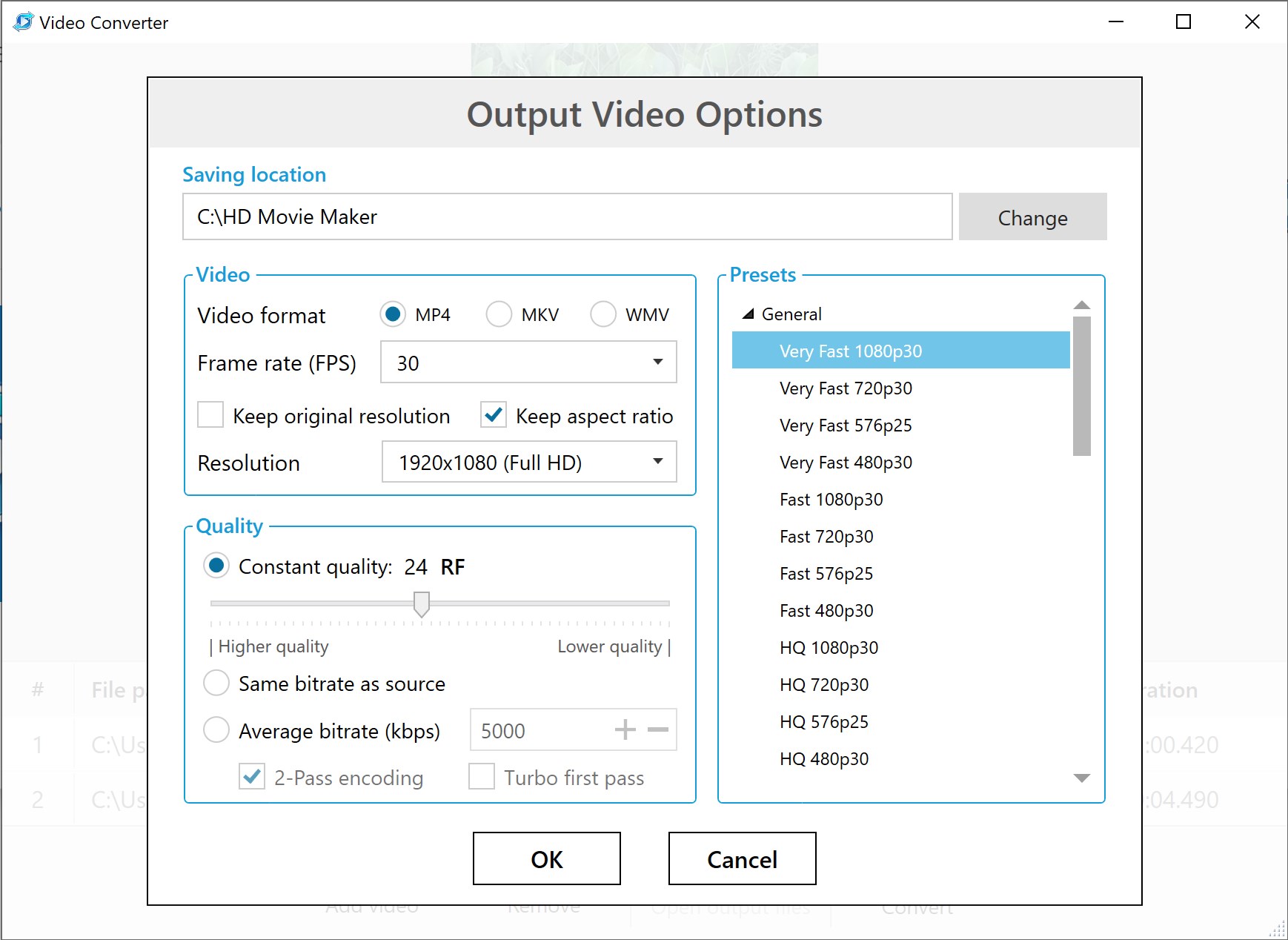
- Universal Windows Compatibility: Easily convert any video file into MP4, WMV, or MKV formats optimized for Windows 10 and 11.
- Seamless Playback & Editing: Converted files are guaranteed to work with the native Movies & TV app and can be imported directly into Movie Maker - Video Editor without decoding errors.
- Smart Media Compression: Adjust the bitrate and overall output quality to significantly shrink file sizes without sacrificing visual clarity.
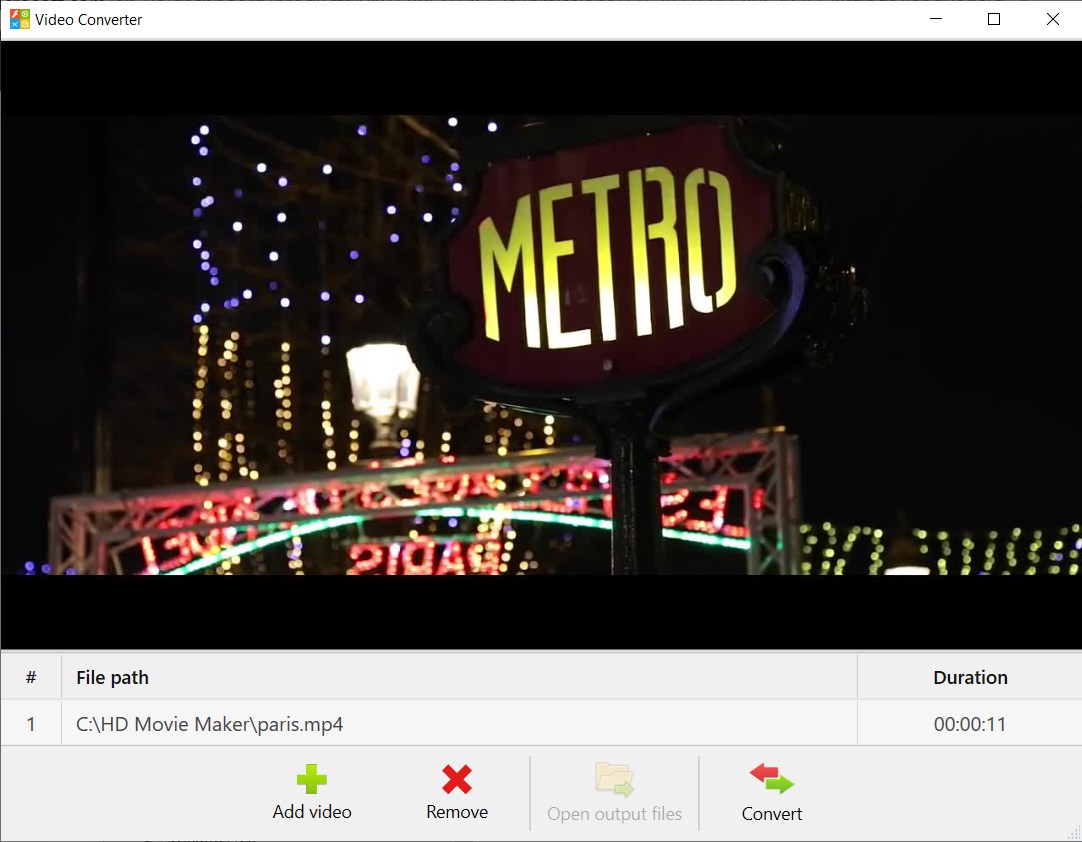
- Batch Processing Power: Save time by queuing multiple files and converting them simultaneously.
Who is This Media Utility For?
The Video Converter - PRO video conversion utility is tailored for creators, office professionals, and casual users who want straightforward results. If you regularly use the Movie Maker Suite for creative projects, this tool serves as an essential companion, ensuring all your source footage is standardized and ready for the timeline. It eliminates the need to learn complex encoding settings, making high-quality rendering accessible to everyone.
Our Editorial Verdict
For Windows users seeking a reliable, no-nonsense desktop converter, this application delivers on its promises. It streamlines file preparation and keeps your storage optimized through efficient compression features. To learn more or start optimizing your media library, visit the official Microsoft Store page to explore the Video Converter - PRO download options.
Rate the App
User Reviews
Other Apps in This Category


Popular Apps










Editor's Choice