
Latest Version
Rain Service
Media
Windows
Free
9ns7shnhm33d
Report a Problem
More About Audio Converter - Mp3 Converter
The Ultimate Solution for Quick Media Conversions
Imagine you are preparing a presentation and need to extract a background track from a video file, or perhaps you have a collection of high-quality FLAC files that you need to compress to play on an older device. In these moments, you do not want to wrestle with complex command-line tools or bloated editing software. You need a reliable, streamlined desktop tool that gets the job done in seconds. This is where the Audio Converter - Mp3 Converter audio tool by Rain Service steps in to simplify your media workflow.
Designed specifically for Windows users, this utility focuses on speed, simplicity, and broad format compatibility. It serves as an uncomplicated bridge between different media formats, allowing you to convert files without a steep learning curve.
Key Features of Audio Converter - Mp3 Converter
The application stands out by focusing on core functionality and delivering it efficiently. Here are the primary features that make it a valuable addition to your digital toolkit:
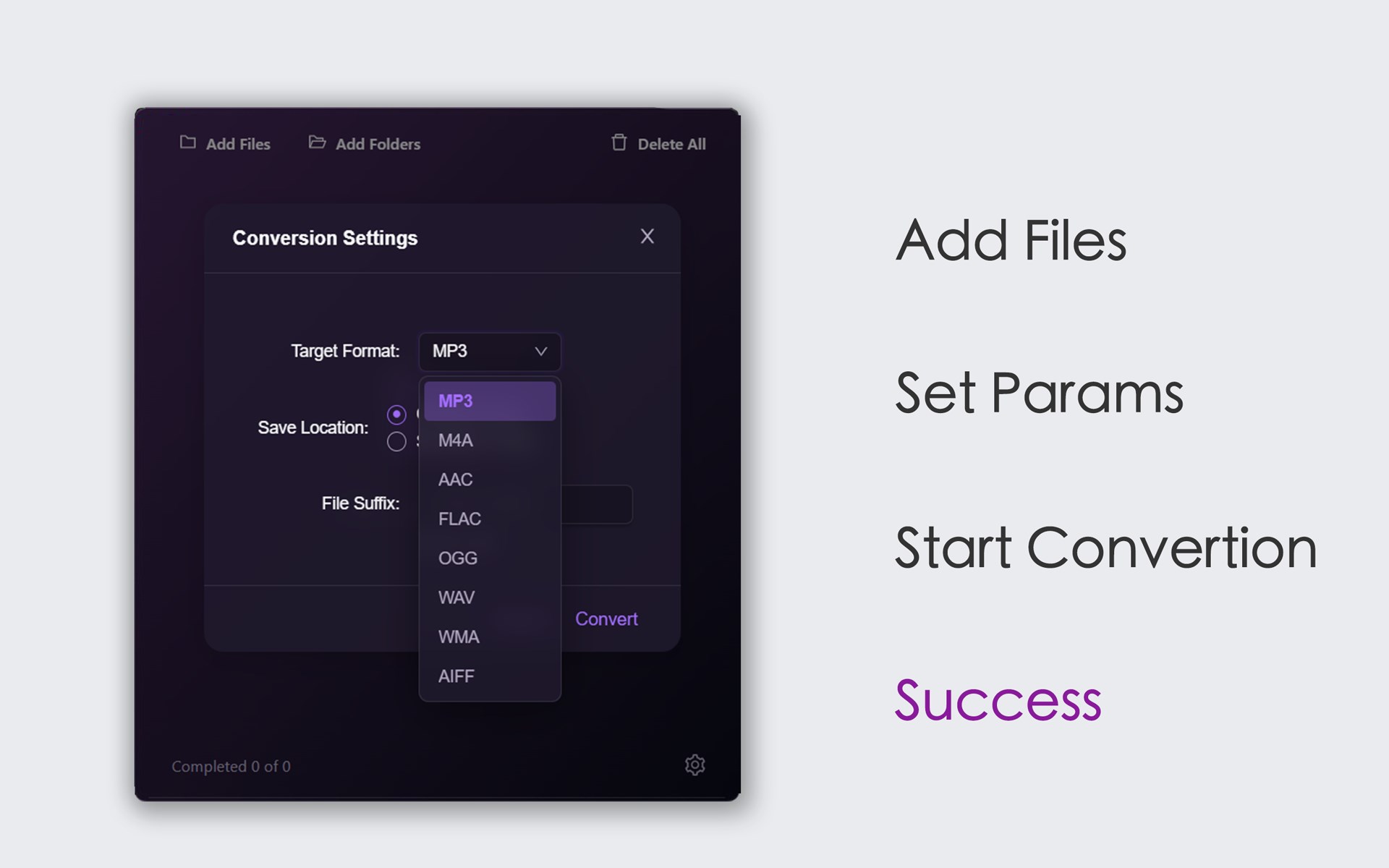
- Comprehensive Format Support: Whether you are working with mainstream formats like MP3, M4A, AAC, and WAV, or specialized formats such as FLAC, OGG, WMA, AIFF, M4R, and CAF, the software handles them with ease.
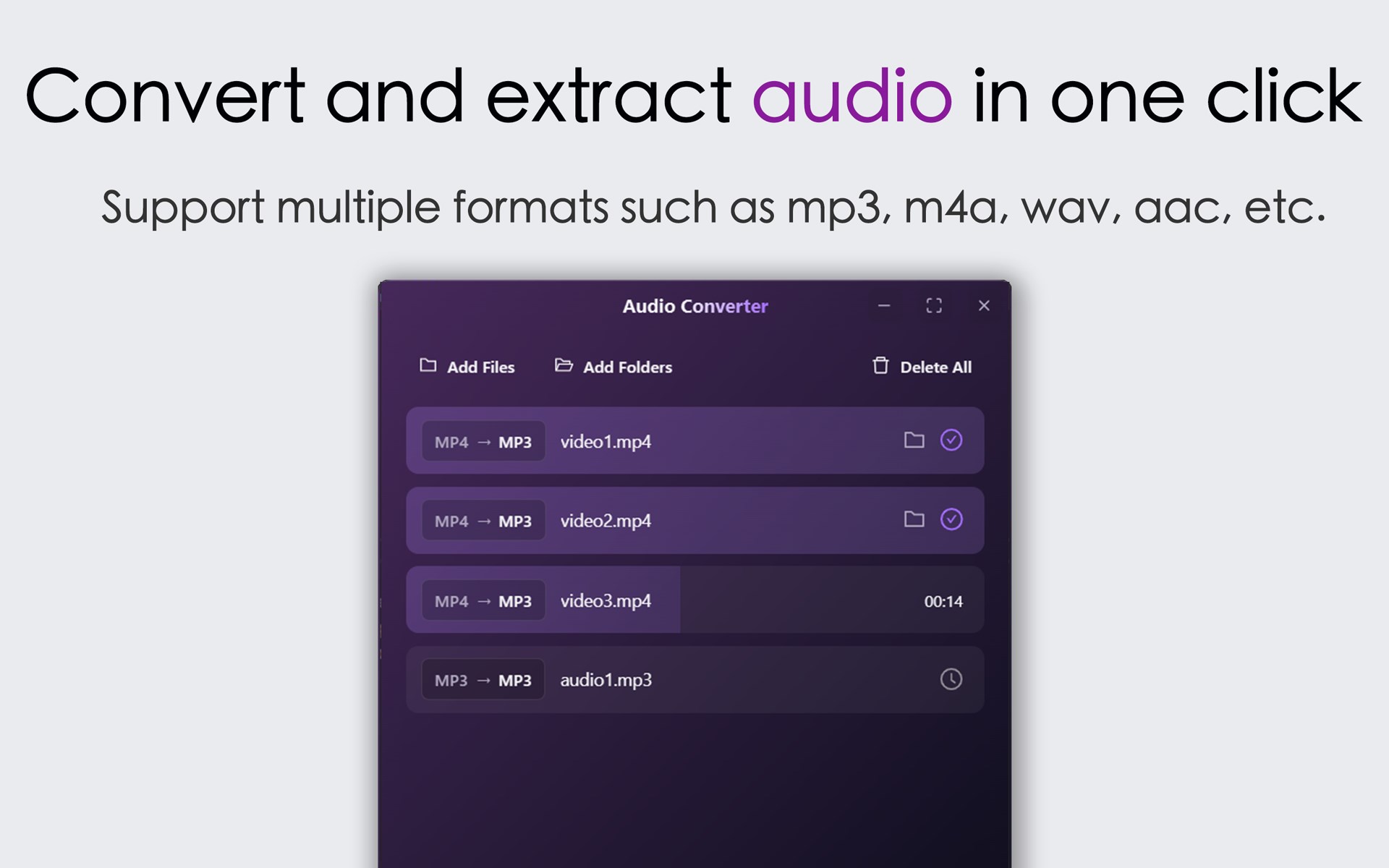
- Seamless Video-to-Audio Extraction: You can import video files in formats like MP4, AVI, FLV, RMVB, WMV, 3GP, MKV, WebM, and MOV to strip the audio track and save it as a standalone music file.
- One-Click Operation: The user interface is built around a straightforward "import and convert" workflow, making it accessible for users of all technical levels.
Who Is This Media Utility For?
This software is ideal for content creators who need to quickly extract voiceovers or soundtracks from video clips, music enthusiasts looking to standardize their audio libraries, and everyday users who need to make files compatible with specific playback devices. Because it operates locally on your Windows machine, it provides a fast alternative to web-based converters that require uploading large files.
Get Started Today
If you are looking for a hassle-free way to manage your audio files, this tool offers an excellent balance of speed and versatility. To try it out for yourself, head over to the official Microsoft Store to download the application and streamline your media projects.
Rate the App
User Reviews
Other Apps in This Category

Popular Apps










Editor's Choice