

Latest Version
MATIA LABS, INC.
Internet
iOS
Free
6443819966
Report a Problem
More About IP Scanner - Network Scanner
The Challenge of Managing a Modern Local Network
Imagine trying to troubleshoot a slow internet connection or locate a newly installed smart home device, only to find yourself guessing IP addresses in the dark. With dozens of smart TVs, phones, tablets, and IoT devices connected to a single router, maintaining visibility over your local area network can be incredibly challenging. This is where IP Scanner - Network Scanner for iOS steps in, providing an elegant and highly efficient way to audit your network directly from your Apple device.
What is IP Scanner - Network Scanner?
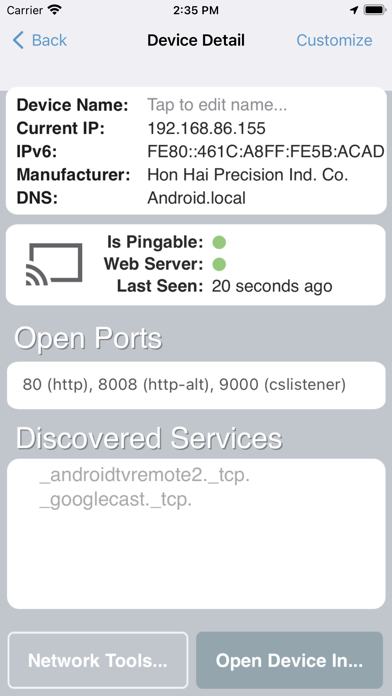
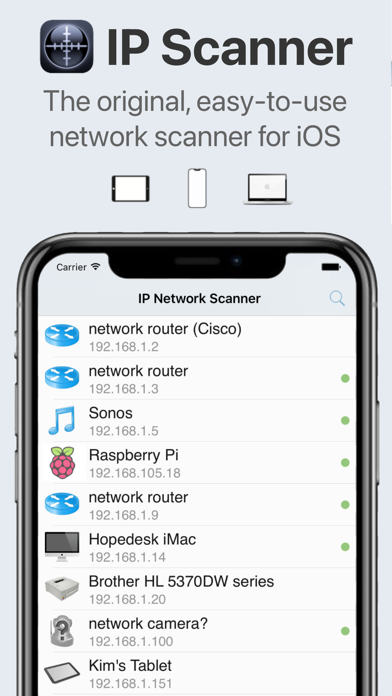
Developed by MATIA LABS, INC., IP Scanner - Network Scanner is a dedicated network utility designed for the iOS platform. It falls squarely into the internet and network administration category, offering users a quick, intuitive, and highly visual breakdown of every active machine and internet device operating on their LAN. Whether you are a home user trying to secure your Wi-Fi or an IT professional diagnosing connectivity issues on the fly, this tool simplifies the discovery process.
Key Features and Network Diagnostic Tools
- Rapid Network Discovery: The app is engineered to deliver extremely fast scan results, mapping out your entire subnet in seconds.
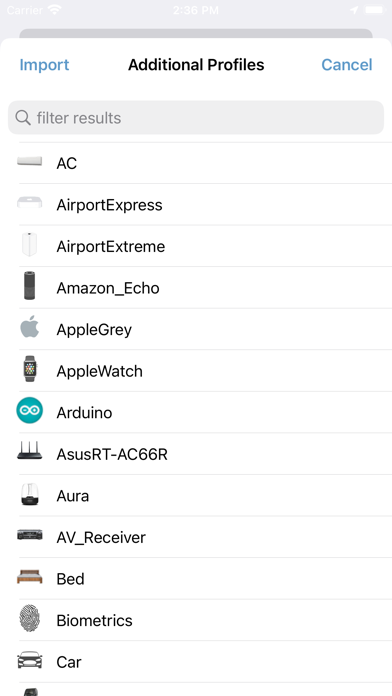
- Customizable Device Identity: To prevent your scan results from looking like an unreadable list of MAC addresses, you can assign custom names and personalized icons to your discovered hardware.
- Historical Scan Log: Easily save past scans to track network changes over time or consult previous configurations.
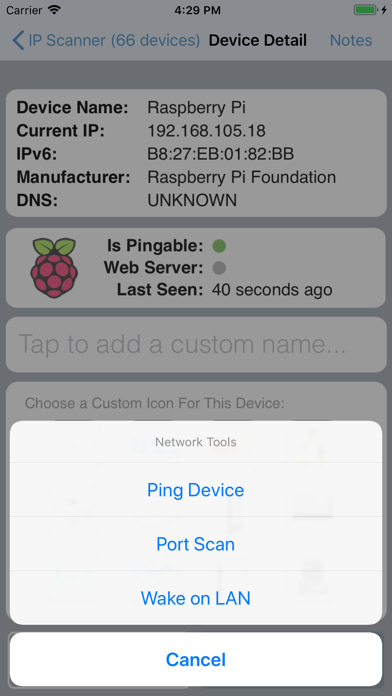
- Built-In Network Utilities: Access essential diagnostic tools, including PING, Wake on LAN (WoL), and Port Scanning, all consolidated within a single interface.
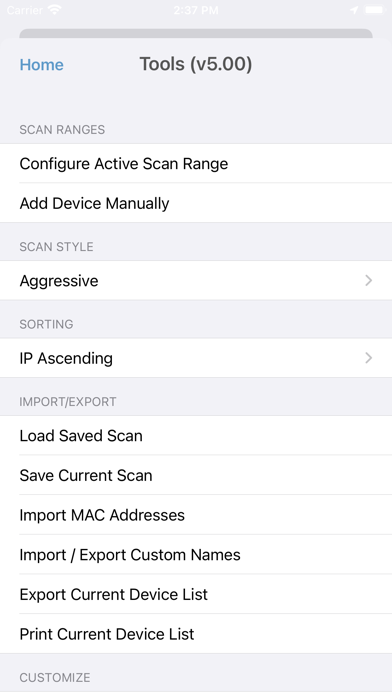
- Data Portability & Synchronization: Save and import custom device lists, sync your data seamlessly across devices using iCloud, or export your results via email or Bonjour.
An Intuitive Design for Everyday Users and Professionals
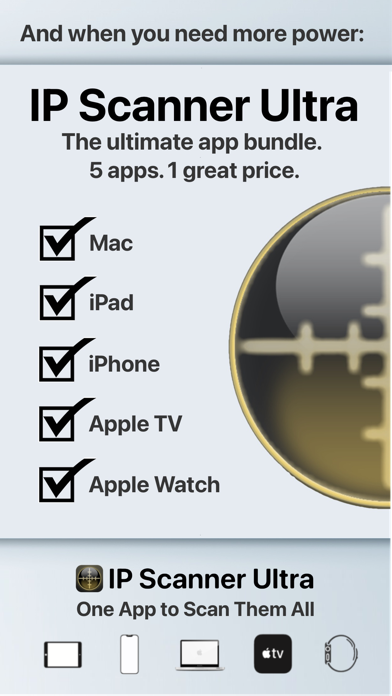
One of the standout aspects of IP Scanner - Network Scanner is its balance between raw power and user-friendly design. The interface is clean, professional, and highly customizable. The free version of the application offers unrestricted access to all core features for up to 15 devices simultaneously. For administrators managing larger environments, upgrading to the Pro version unlocks unlimited device scanning, while the Ultra edition offers a fully unified ecosystem across Mac, iPhone, iPad, Apple TV, and Apple Watch.
Is It the Right Utility for Your iOS Device?
If you value network security, need to troubleshoot hardware conflicts, or simply want to know who is using your Wi-Fi, this tool is an exceptional addition to your utility folder. It eliminates the guesswork of network mapping and puts professional-grade diagnostics in the palm of your hand.
To explore this network tool further and see it in action, check out the official App Store page to download IP Scanner - Network Scanner on your iOS device today.
Rate the App
User Reviews












Popular Apps










Editor's Choice